From trying AI
to running on it
Most teams have tried an AI assistant. Few have connected it to their own tools or trusted it with real work. We get it running properly, connect it to the systems you run, and build agents that take work off your people, with a human yes wherever it counts.
It knows the internet. It doesn't know your business.
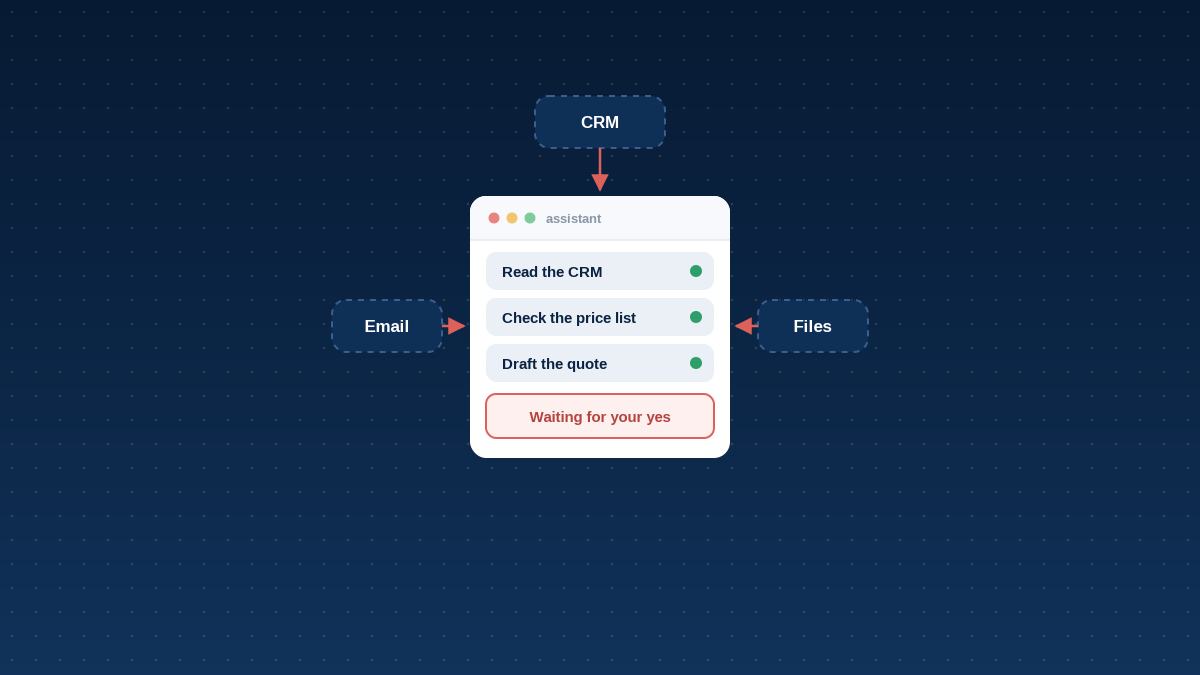
Someone on your team pastes an email into a chatbot and gets a decent reply. Useful, and it stops there. The assistant can't see your CRM, your price list or your calendar, so every answer starts from nothing.
What changes things is connecting it to the tools you already run and giving it jobs with clear rules. Then it stops being a chat window and becomes a colleague whose work you can check.
Start with a working session
We spend it with the staff who handle the work day to day, listing the jobs that repeat. Then we pick the one to three where AI would really help, and say plainly which ones it wouldn't.
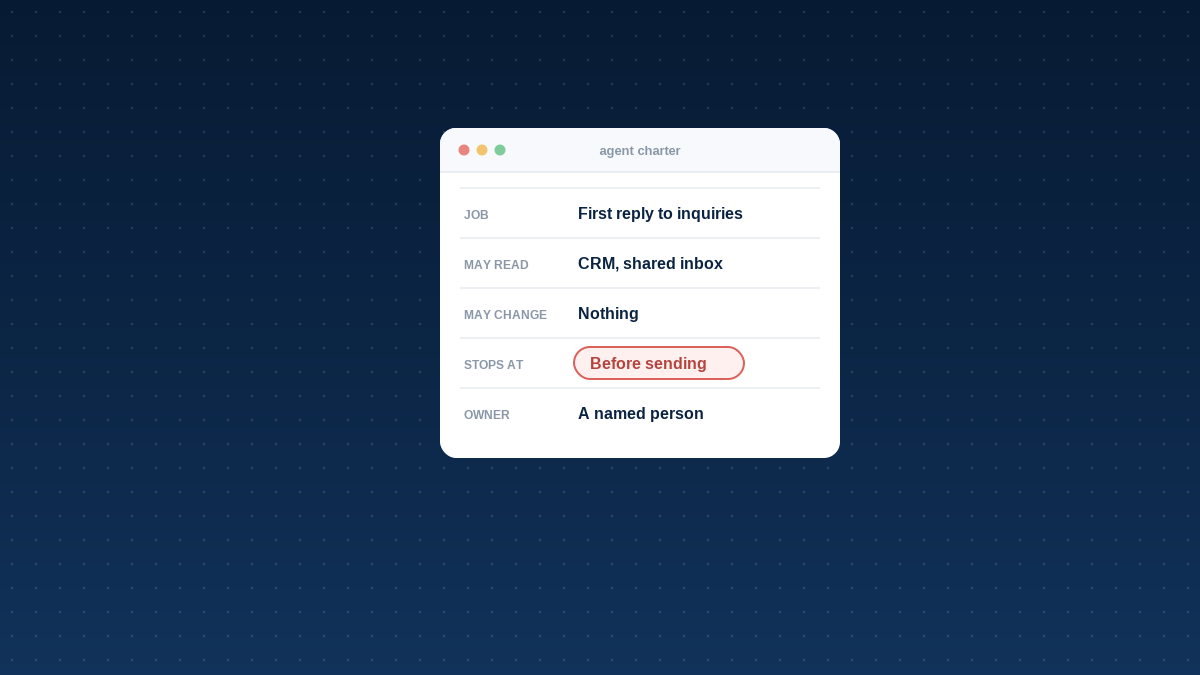
Each chosen job gets a one-page charter: what the assistant may read, what it may change, where it has to stop and ask, and who owns it.
Plan a sessionWhat we set up
We work mostly with Claude. If your company already runs on ChatGPT or Microsoft Copilot, the same steps apply.
- 01
The assistant itself
The right plan for your team, with accounts, permissions and the admin settings most people never open. The licence is paid to the vendor, not to us.
- 02
Connections to your tools
Connectors let the assistant read your CRM, email, calendar, files and accounting, each with the least access the job needs. It answers from your business instead of guessing.
- 03
Skills
A skill is your way of doing a recurring job, written down once: how you quote, how you answer a complaint, what goes in the weekly summary. The assistant follows it every time.
- 04
Agents
An agent is given a goal, not a question. It gathers what it needs, does the work and stops where its charter says, so a person can approve the result.
- 05
Guardrails
It reads by default and writes by exception. Nothing is sent, paid or changed in a record without a human yes, and every action is logged.
- 06
Training and a policy
Your people learn to brief it, check it and improve it, and you get a one-page policy on what it is for. A seat nobody was shown how to use is a seat nobody uses.
Jobs an agent can take
These are examples of the kind of work that suits an agent. Yours will be different, which is what the working session is for.
First reply to an inquiry
It reads the message, looks up the sender in the CRM and drafts an answer for someone to send.
Preparing a quote
It pulls the customer, the price list and their past orders, and lays out the quote for sales to review.
After a meeting
Notes become tasks, the deal is updated and the recap email is drafted.
The Monday brief
The week's figures and open issues, gathered from your systems onto one page.
Incoming documents
It reads purchase orders or forms, enters each field where it belongs and flags what it isn't sure about.
Chasing what's overdue
It spots invoices and approvals that have sat too long and prepares the reminder.
Where AI pays back, and where it doesn't
Whether AI is worth it depends on the task, not on the technology. And where the steps never vary, an ordinary workflow is cheaper and more dependable than an agent, so that is what we would build instead.
Worth doing now
A repetitive task with a clear before and after. Sorting a shared inbox. Reading the same fields off every incoming document. Answering routine questions from your own data, with a person checking the answers that matter.
Not yet
Anything that leans on numbers you don't trust. A task that comes up twice a month. A decision nobody wants a machine to make. We'll tell you it isn't worth it instead of selling it to you.
More on how we approach it: our article on starting with a single job.
Agents built for your systems
Some jobs outgrow a chat window. They have to run on a schedule, react to something happening in your systems, or sit inside an application your staff or customers use. Then we build the agent in code.
- 01
In your cloud
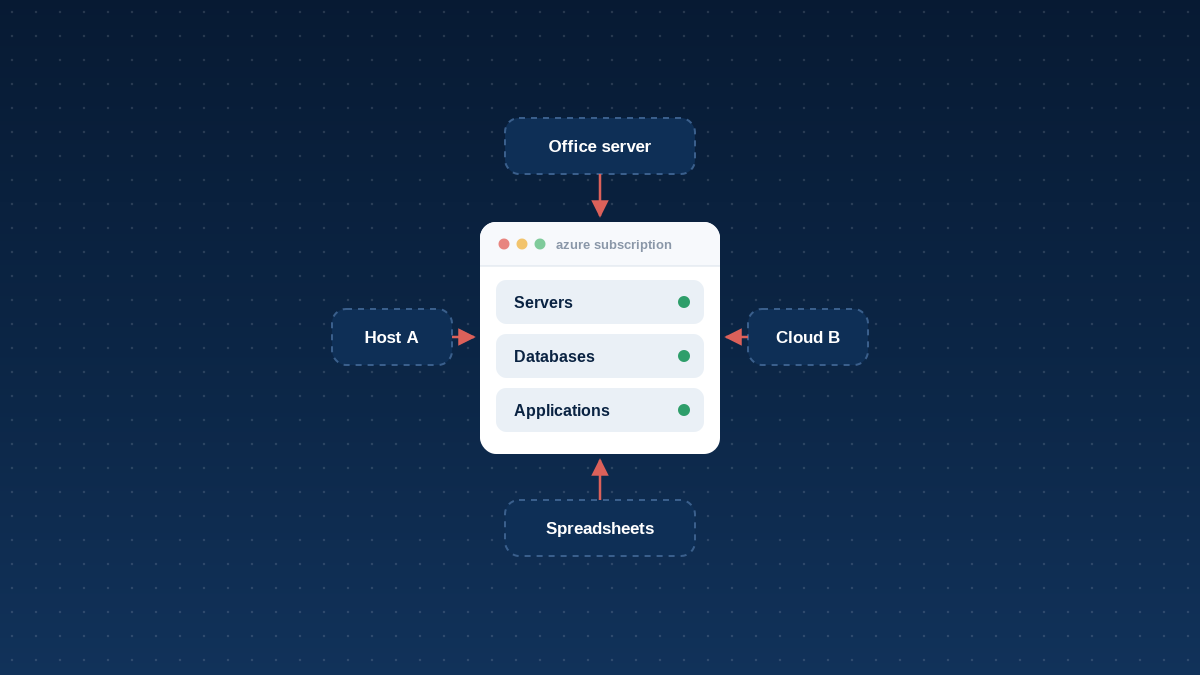
It runs in your own Azure subscription, beside your data and your applications, on Claude or OpenAI models. Not on our machines.
- 02
Shadow mode first
Before it touches live work it runs alongside your people, and you compare what it would have done with what they did.
- 03
An off switch
Every agent has a named owner, a record of what it did and a way to stop it in one step.
After go-live
Agents need tuning as the business changes around them. Two ways we stay involved.
Around the assistant
An assistant is only as useful as the systems it can reach.
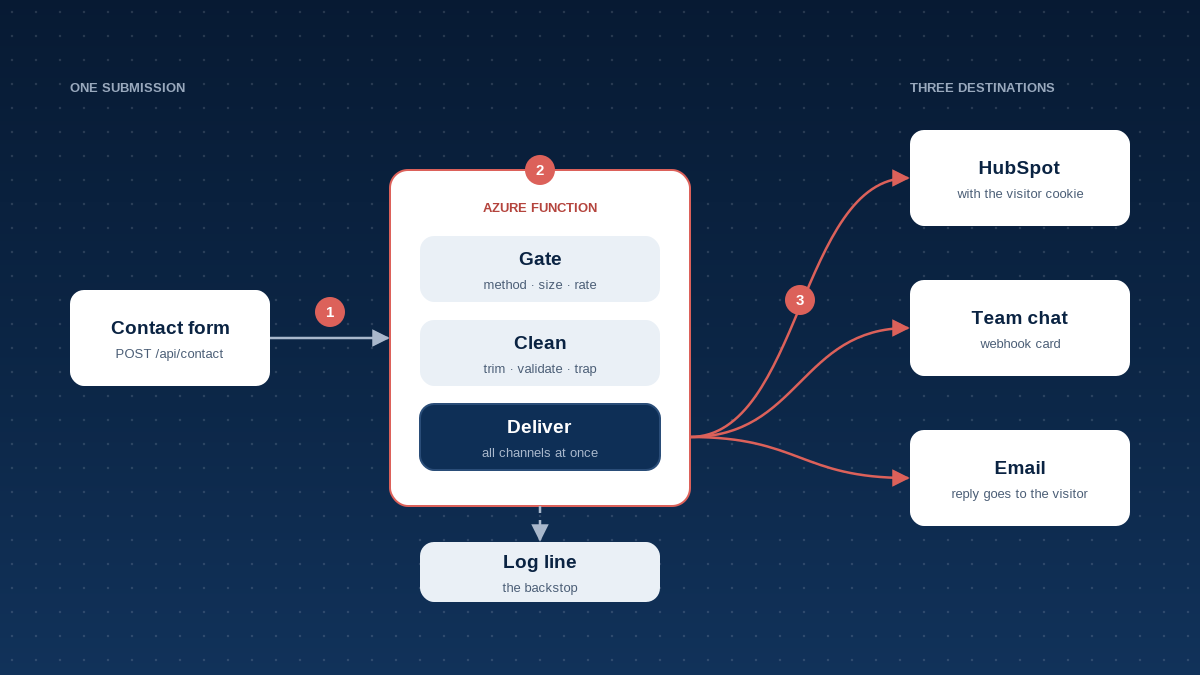
AI, from our blog
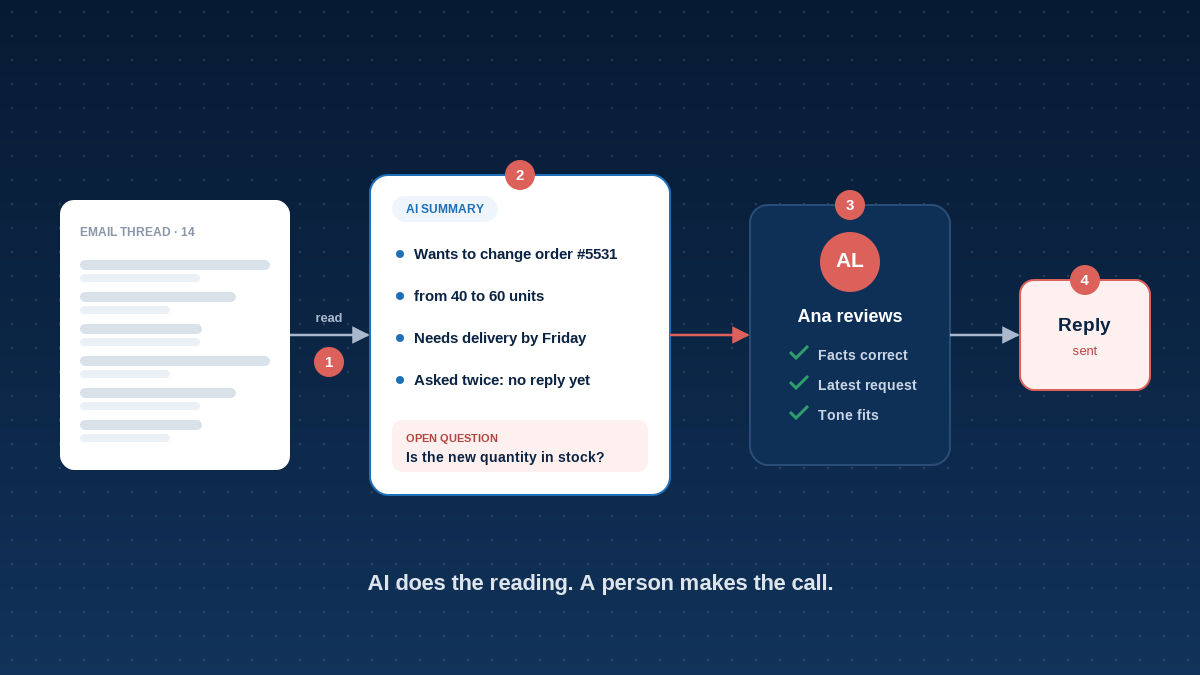
How to Put AI to Work in Your Business, One Task at a Time
A practical way for business owners to test AI on one measurable task, with a person still in charge of the result.
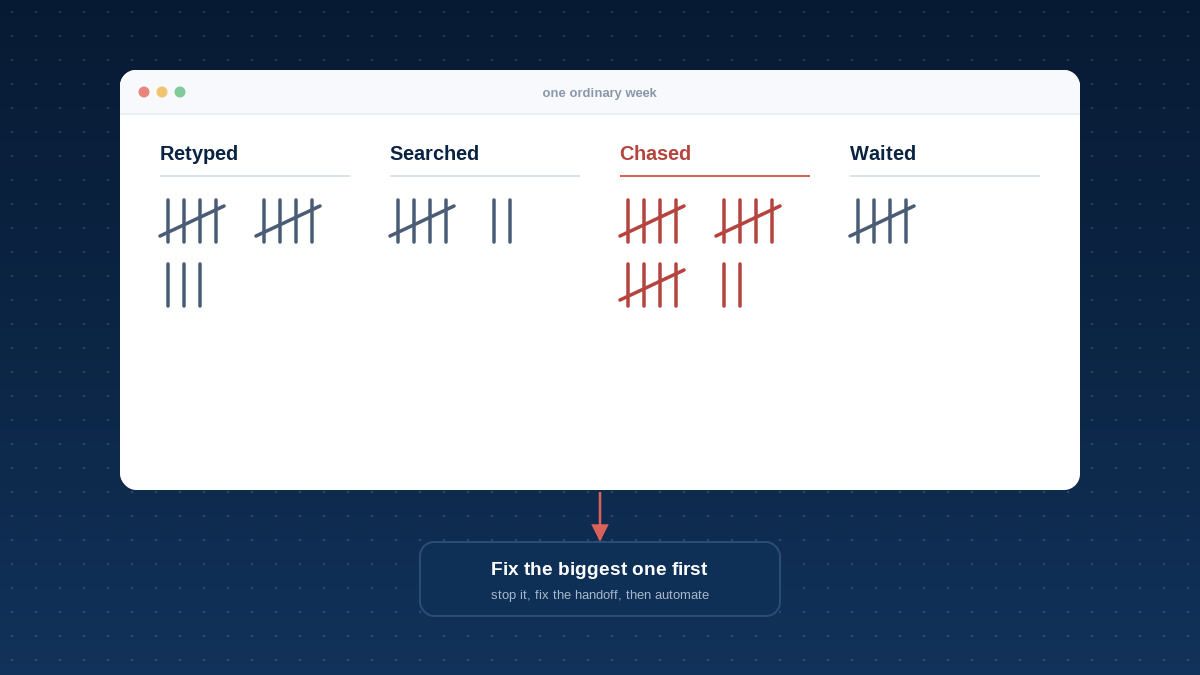
Before You Hire, Find the Hours Your Team Is Already Losing
When a team is stretched, hiring isn't the only fix. A one-week tally that shows where the hours go on retyping, searching, chasing and waiting, and what to do about the biggest one.
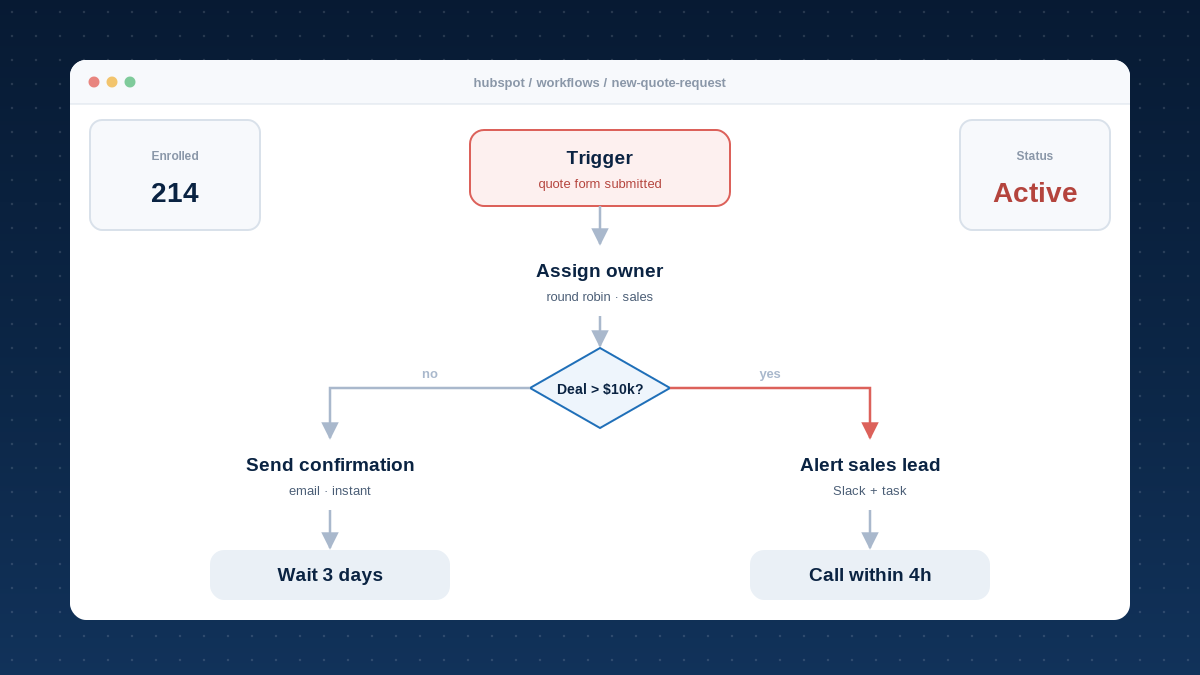
5 HubSpot Automations That Give Your Team Hours Back Every Week
The five HubSpot workflows we'd set up first: lead routing, reminders, quote follow-ups, handoffs and renewals.
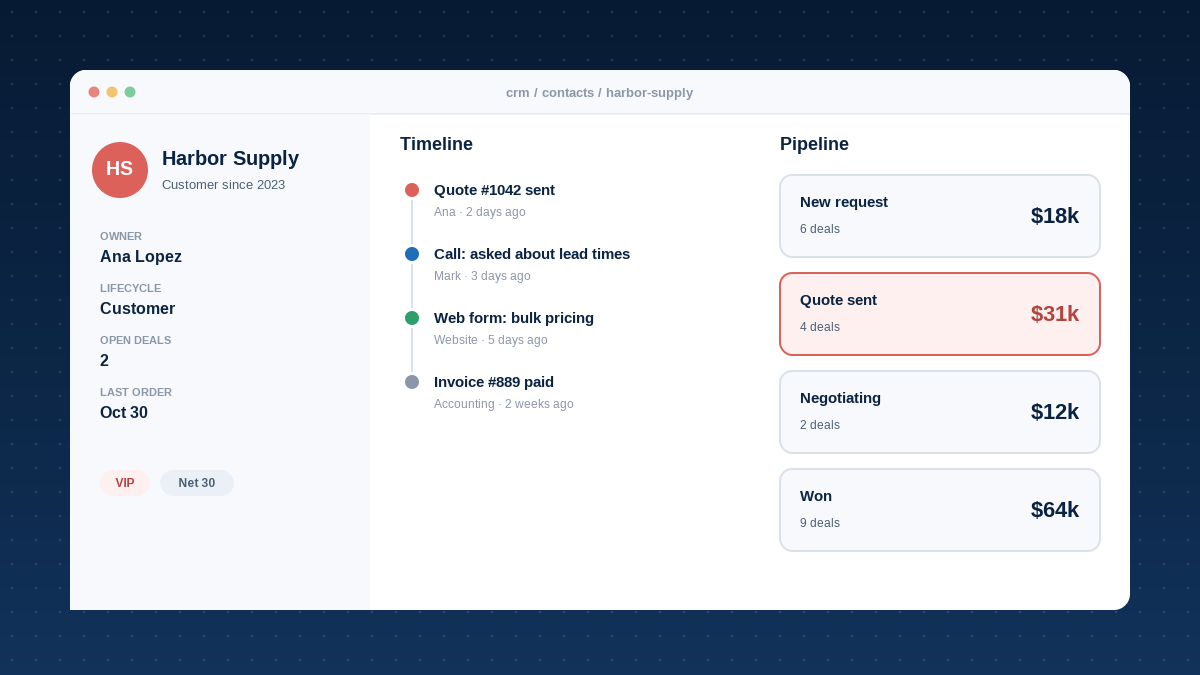
What Is a CRM and Why Does Your Business Need One?
A plain-English guide for business owners: what a CRM does, how it fits with your ERP and accounting, and the signs it's time for one.
Common questions
Is our data safe if we connect our tools to an assistant?
It depends on the plan and the settings, which is why we handle both. Business plans generally keep your data out of model training, and we confirm that for the plan you are on before anything is connected. Each connector then gets only the access its job needs.
Do we have to use Claude?
No. It is the assistant we know best, and we will say when another one fits better. If your team already lives in Microsoft 365, Copilot may be the shorter road.
Will this replace people?
It takes the repetitive part of a job. The judgement, the customer relationship and the final yes stay with a person. We don't promise headcount savings.
What does it cost to run?
Two things. The assistant is a monthly seat for each person, paid to the vendor. Agents that run by themselves are billed by how much they do. We estimate both before you commit to anything.
What can go wrong?
An agent can be confidently wrong, and it can be wrong quickly. That is the reason for charters, approvals, logs and the off switch, and for starting with jobs where a mistake is cheap to catch.
Is AI worth it for a company our size?
Sometimes very much, sometimes not yet. The working session exists to find out, and it can end with us telling you to wait.
Tell us what isn't working
A short message is enough. We reply within one business day with a few questions and a time to talk. No sales script.
- 30-minute call, no cost
- A senior architect, not a sales rep
- A clear next step, even if it isn't us