Enter it once.
See it everywhere.
We connect your store, CRM, ERP, accounting and shipping, so every order, customer and invoice flows to where it belongs, without re-typing.
Right now, a person is the integration.
An order comes in on the store. Someone types it into accounting, someone else updates the CRM, and the customer emails to ask where it is because nobody told them it shipped. It works until that person is on vacation, or the volume doubles.
We replace the retyping with connections that run on their own and tell a named person when something fails.
Start with one flow
We'd rather connect one flow properly than five halfway. So we begin with the single flow where the retyping hurts most, for example orders into accounting.
We list every field with whoever retypes it today, settle connector or custom before building, test in a sandbox with copies of real orders, and go live with alerts and a short runbook.
Book an integration reviewThe systems change. Our four rules don't.
Stores like Shopify and WooCommerce, B2B portals, QuickBooks and Xero, ERP and inventory, shipping, and the CRM in the middle. Whatever the mix, every connection we build follows the same four rules.
- 01
Connector first
If an existing connector does the job, we set it up and tell you so. Custom code is for the cases a connector can't handle, not for making the project bigger.
- 02
One owner per field
Before we build, we write down which system owns each piece of data and which way it travels. If two systems can both edit a price, one of them will be wrong by Friday.
- 03
Yours, in your cloud
Anything custom is deployed to your own Azure subscription and uses your keys. You get the code and a runbook, so another team could take it over tomorrow.
- 04
It tells you when it breaks
Integrations fail quietly. Ours log what was sent, retry what didn't arrive and alert a person, so you hear it from us and not from a customer.
After go-live
Connections need watching long after launch. Either option below keeps someone on them.
Around the integration
A connection can't be better than the systems at each end, or the process between them.
Integration work, written up
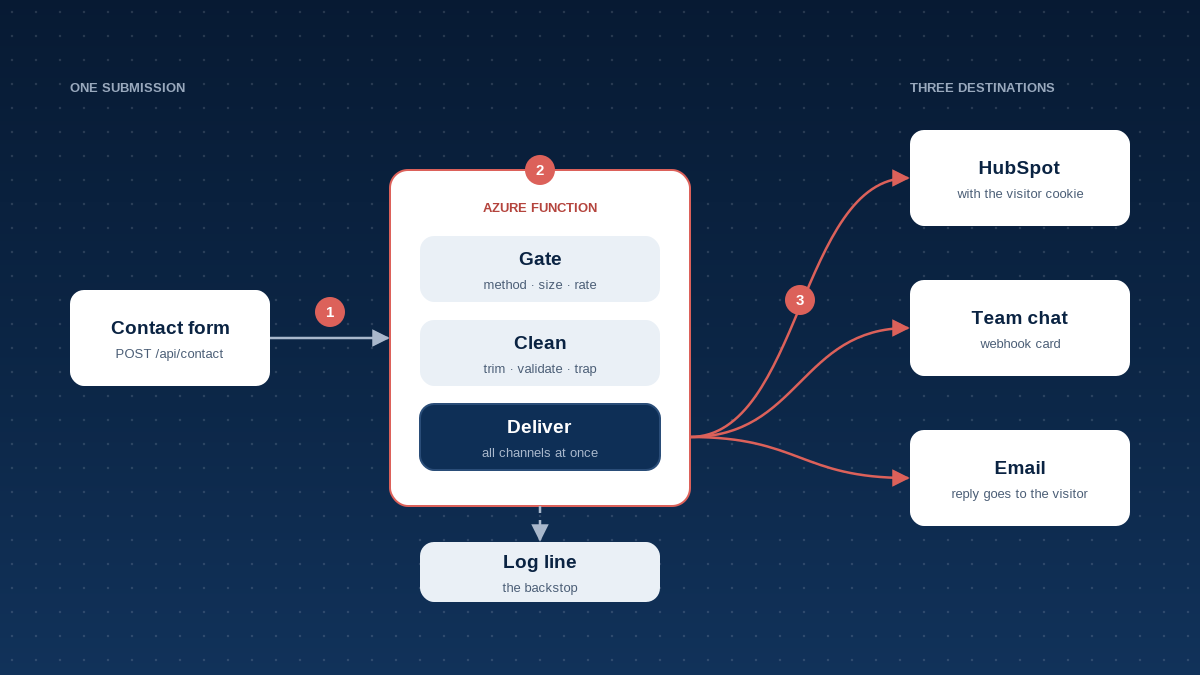
One Form, Three Destinations: How Our Contact Form Delivers a Lead
A walkthrough of the Azure Function behind our own contact form: spam checks, parallel delivery to CRM, chat and email, and what we chose not to build.
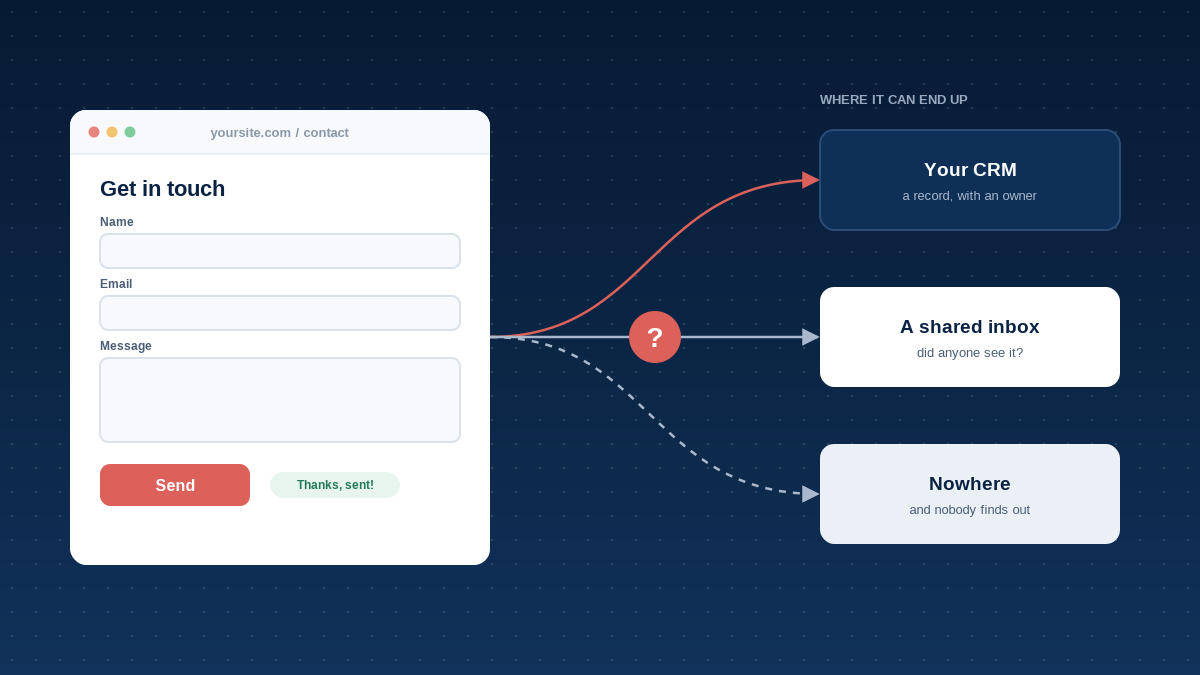
Where Does Your Website Form Actually Go?
Most contact forms send inquiries to one place and fail silently. What we did on our own site, and a ten-minute test for yours.
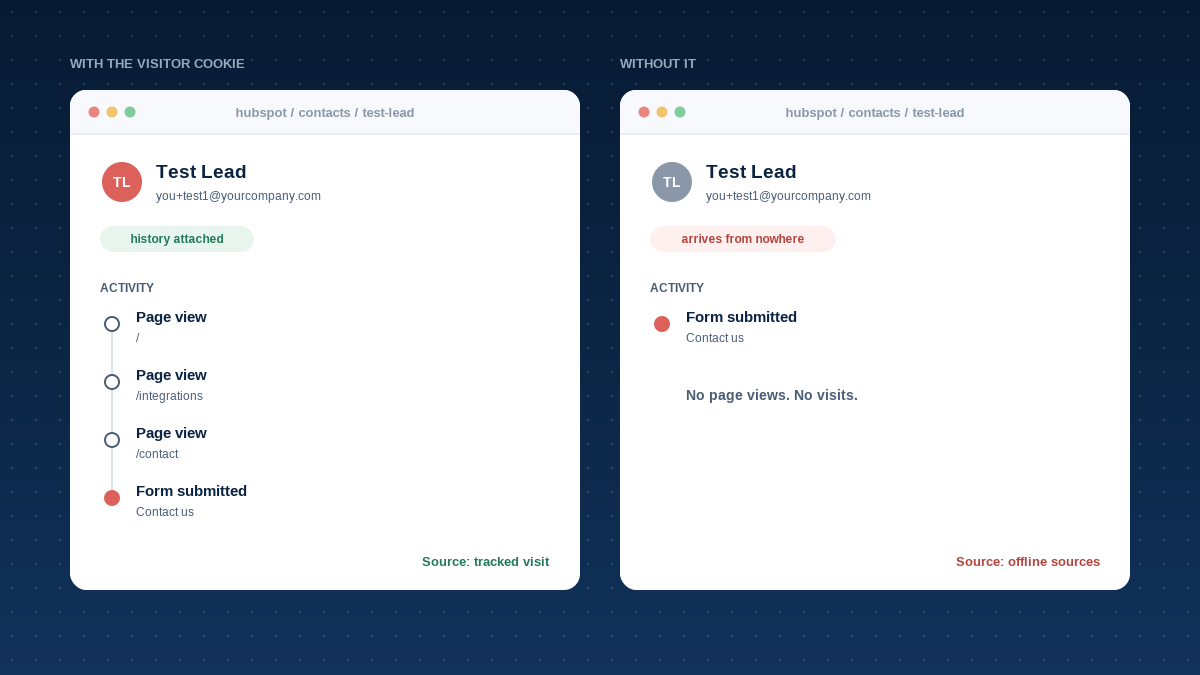
How to Test That Your Website Form Leads Reach HubSpot With Their History
A step-by-step test for HubSpot admins: check that website form leads arrive with page views, a sensible source, an owner and a notification.
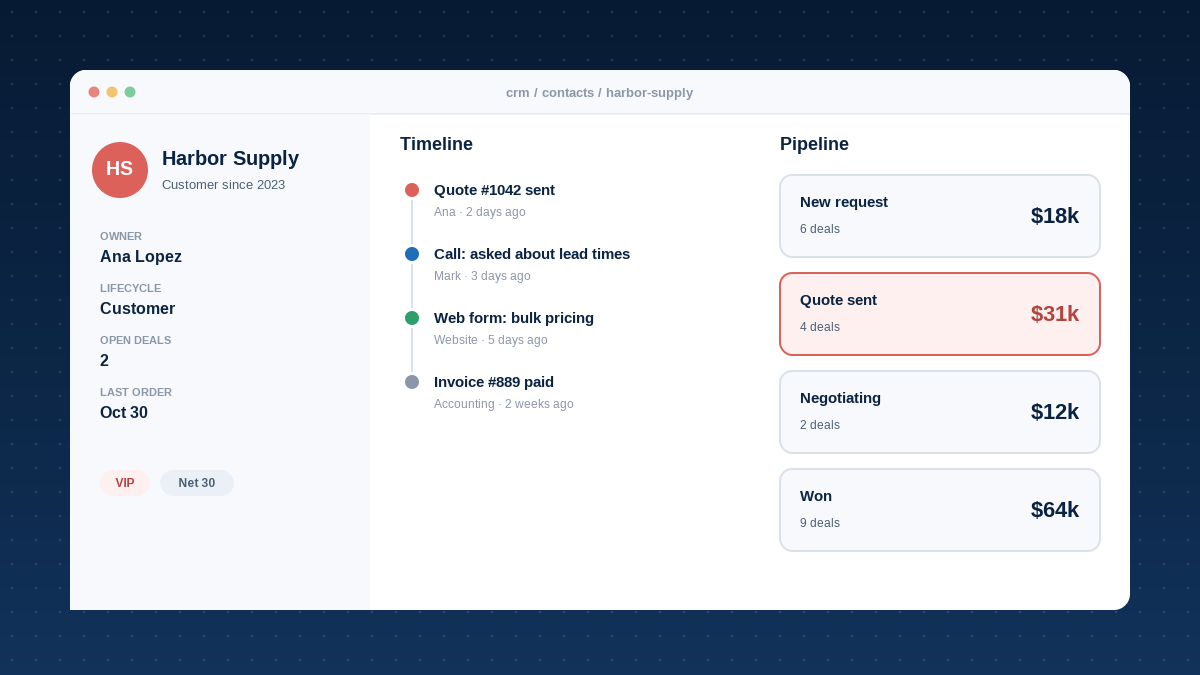
What Is a CRM and Why Does Your Business Need One?
A plain-English guide for business owners: what a CRM does, how it fits with your ERP and accounting, and the signs it's time for one.
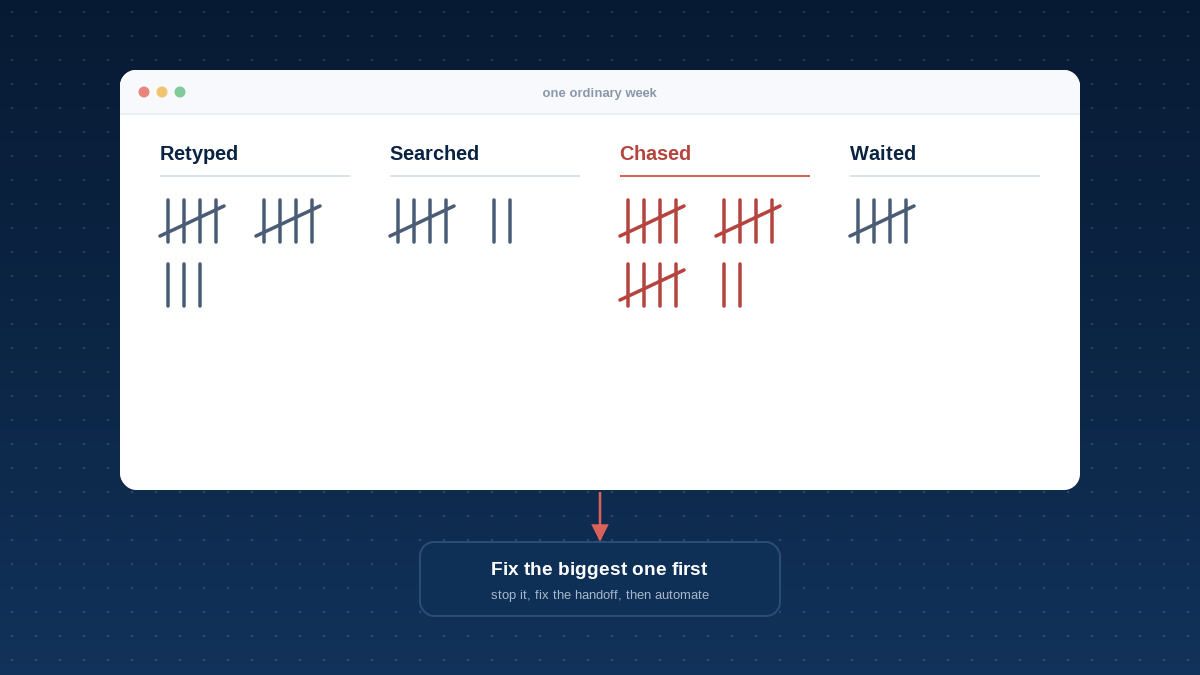
Before You Hire, Find the Hours Your Team Is Already Losing
When a team is stretched, hiring isn't the only fix. A one-week tally that shows where the hours go on retyping, searching, chasing and waiting, and what to do about the biggest one.
Common questions
Do we need custom code?
Often not. If a connector covers what you need, that's the cheaper answer and we'll say so. We build custom when your rules are more specific than the connector allows, and we tell you what it will take to keep running.
Does everything have to sync in real time?
No, and it shouldn't. Real time costs more to build and more to watch. Stock and order status usually earn it. Price lists and month-end numbers are fine on a schedule. We settle this with you flow by flow, before we build.
Our main system is old. Can it still be connected?
Usually, though not always through a clean API. Some older systems only offer a scheduled file export. That works, it's just slower, and you'll know which kind you have before the project starts.
What happens when a vendor changes something?
They will. That's why every connection has alerts and an owner, and why we keep the design simple: fewer moving parts means less to fix when an API changes.
Can we see how you build one?
Yes. We wrote up the small integration behind this site's own contact form, including the parts that aren't pretty: One form, three destinations.
Tell us what isn't working
A short message is enough. We reply within one business day with a few questions and a time to talk. No sales script.
- 30-minute call, no cost
- A senior architect, not a sales rep
- A clear next step, even if it isn't us